1. Bring In Your Image
Drop a file onto the canvas or paste straight from your clipboard. PNG, JPEG, and WEBP all work out of the box.
BeautifyImage is a free and easy-to-use image editor for creating beautiful visuals. Enhance any image with backgrounds, shadows, frames, text, effects, and more — no design experience and no software install required.
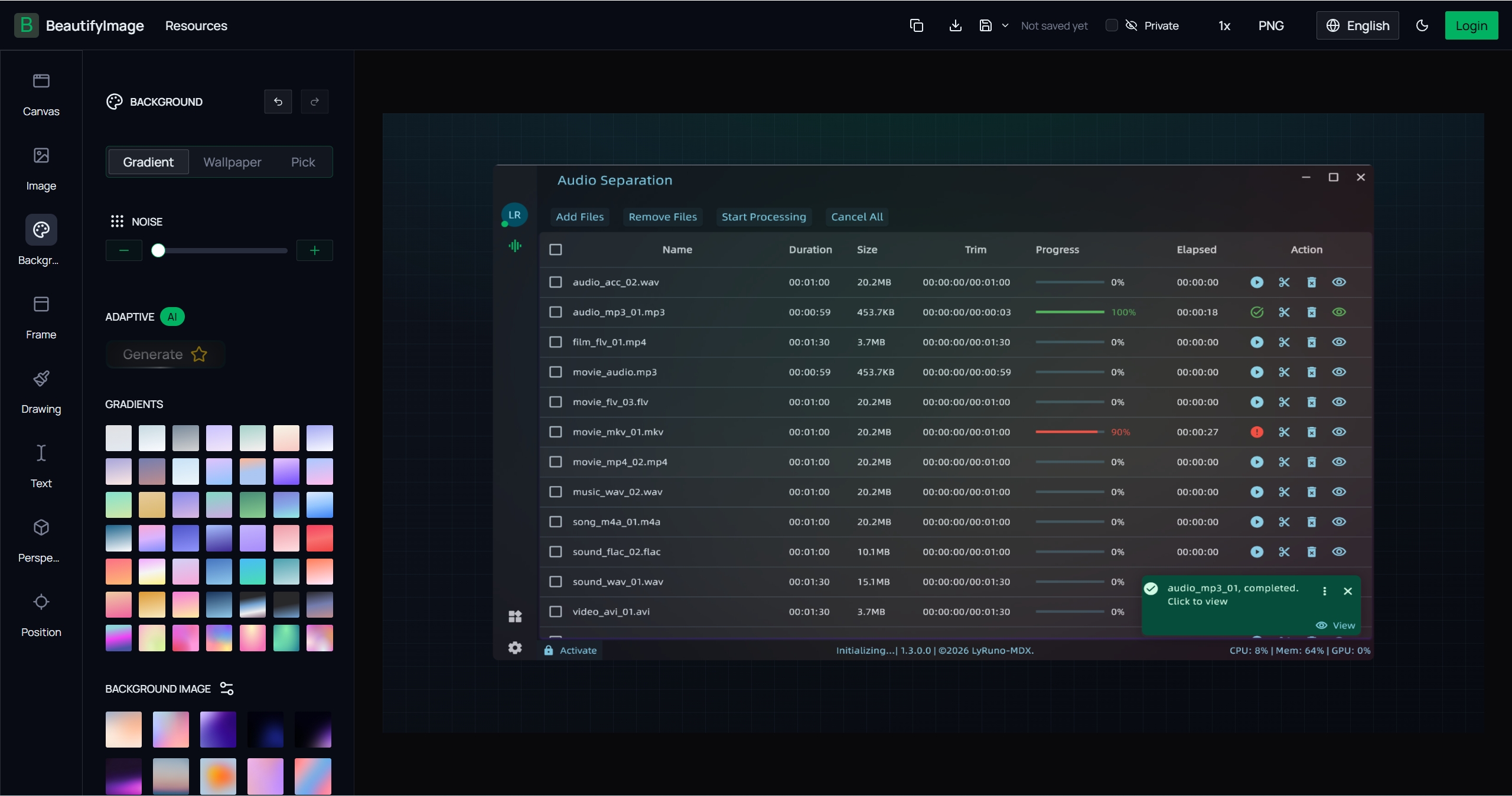
A lightweight image editor built for speed, not for learning curves
Every editing tool is unlocked from the start. No trial period, no subscription, and nothing stamped onto your exports.
Drag, drop, and adjust. Ready-made backgrounds, shadows, and frames do the visual heavy lifting for you.
Open a tab and start editing instantly. It is fully online, nothing to install, nothing to configure, and previews update as you type.
Four short steps take any raw image to something worth publishing
Drop a file onto the canvas or paste straight from your clipboard. PNG, JPEG, and WEBP all work out of the box.
Pick a gradient, pattern, or solid fill, then tune the colors until the composition matches your brand.
Wrap the image in a device or browser frame, then add shadows and reflections so it lifts off the page.
Save a high-resolution file in the format your platform expects, then post it wherever you need it.
Preset canvases for the platforms creators actually post to
Compose on a square or vertical canvas sized for Instagram and similar feeds, so nothing important gets cropped away.
Build click-worthy YouTube covers by stacking layers, tilting elements in 3D, and setting bold, readable headlines.
Turn out cover art and explanatory diagrams for long-form posts in a couple of minutes instead of an afternoon.
Produce the preview cards that appear when your links are shared, so every post looks intentional in search results and feeds.
The editor reads your image and builds a palette around it
Dominant colors are pulled from whatever you upload and reused for gradients, glows, and backdrops automatically.
Shadow tone follows the backdrop instead of defaulting to flat grey, which keeps the whole composition believable.
Preview your artwork against both light and dark surroundings before you commit to an export.
Approachable by default, detailed the moment you need it to be
Add rich text, reorder layers, align elements to the pixel, and rotate artwork in three dimensions.
Keyboard shortcuts cover the tools you reach for most, and every change can be undone or redone without losing your place.
Download as PNG, JPEG, WEBP, or SVG, and choose the resolution that suits print, web, or social.
A complete toolkit for turning ordinary images into polished visuals
Place your image on a gradient, pattern, or solid backdrop, and fine-tune every color stop until the mood is right.
Drop a screenshot into a browser window or device shell to give flat captures a finished, physical presence.
Control blur, spread, angle, and opacity to lift your subject off the canvas with a shadow that looks real.
Write headlines and captions directly on the canvas, then adjust font, weight, spacing, and color as you go.
Apply glows, reflections, blurs, and color adjustments, and watch each result render live before you commit.
Save finished work as PNG, JPEG, WEBP, or SVG at the resolution your channel calls for — always without a watermark.
Answers to what people ask most before they start editing
Open the editor, drop in an image, and see how good it looks with the right background, frame, and shadow.